
Use AI Background Remover
Remove an image background from the artboard, save the clipped result to Uploads, and prepare cleaner visuals for designs.
AI Background Remover clips the background off any image in one click, so you get a clean cutout ready to drop into a design. Use it to prep product photos, portraits, or any image you want isolated on a transparent background.
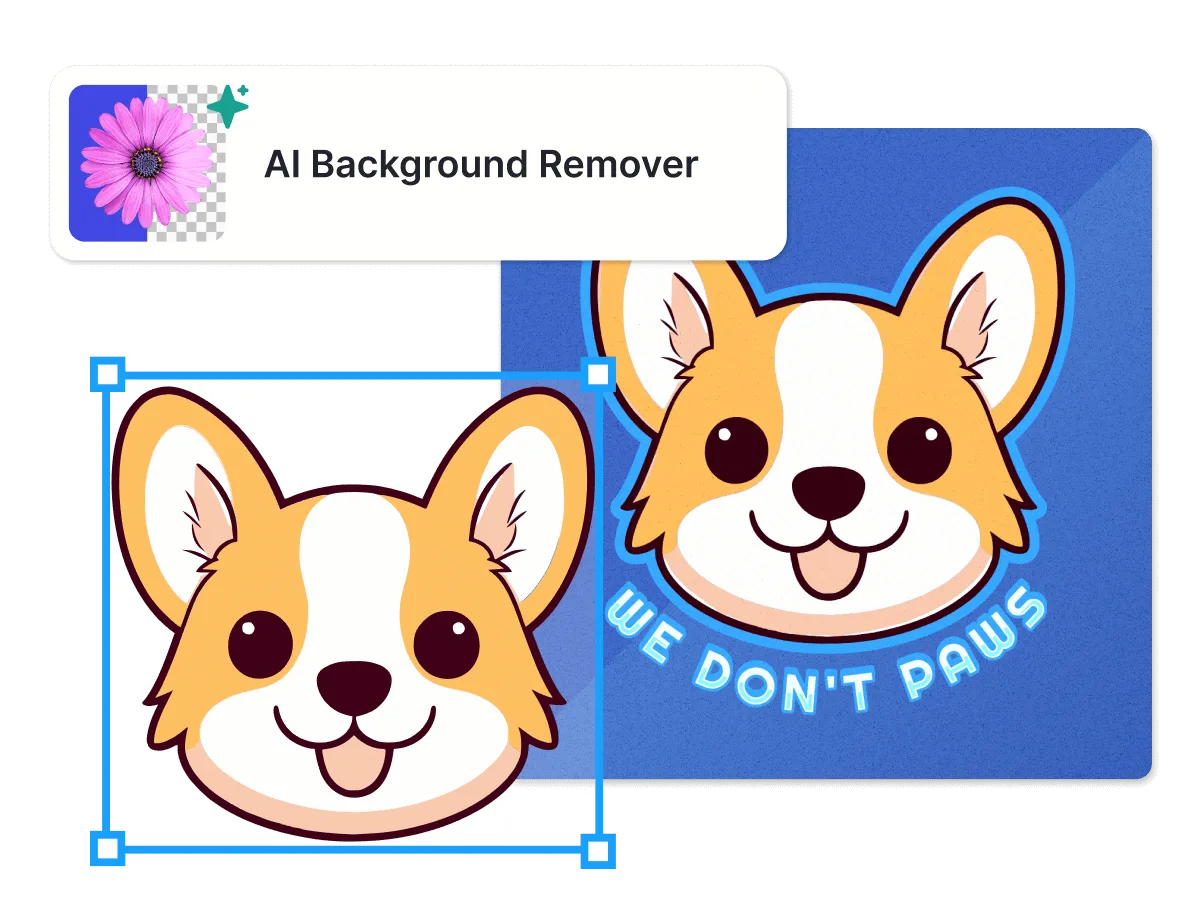
Before you start
AI Background Remover doesn't cost tokens, and it's available on every plan, including Free.
Remove a background
Select the image on your artboard. To process several at once, select multiple images instead.
In the contextual toolbar above the image, click Remove BG. You can also find Remove Background under Tools in the right panel.
The AI processes the image and removes its background directly on the artboard.
Once it's done, you'll see a confirmation message with a shortcut to Edit cutout. The clipped image is also saved to Uploads, in a folder called Clipped Images.
Expected outcome
The image's background becomes transparent, right on your artboard, and a copy of the clipped result lands in Uploads > Clipped Images for reuse elsewhere.
Troubleshooting
AI Background Remover took off part of the image I wanted to keep. Open Edit cutout from the contextual toolbar or the Tools panel, then use Restore to paint back the parts that were removed by mistake. The editor keeps the original photo on hand, so you can bring back anything the AI clipped too aggressively. See Use Edit Cutout for details.
Common questions
Does this cost tokens?
No. AI Background Remover doesn't use tokens, and it's available on all plans.
Why did AI Background Remover remove part of my image?
The AI is reading edges to decide what's subject and what's background, and it can misjudge that call in a few common situations: fine or wispy details like hair, fur, or feathers, low contrast between the subject and its background, busy or textured backgrounds, and transparent or reflective areas like glass. When that happens, open Edit cutout and use Restore to paint the missing parts back in. See the troubleshooting section above.
Should I use Edit cutout or Undo to fix a removal that went wrong?
It depends on how much of the cutout is off. Undo (Cmd/Ctrl+Z) reverses the whole Remove BG action in one step, putting the original background back everywhere, so you'd need to run Remove BG again from scratch. Edit cutout is more targeted: it keeps the background removed everywhere it worked, and lets you paint back just the specific part that got clipped by mistake. If most of the cutout looks right and only a small area is missing, use Edit cutout. If the whole result is wrong, Undo is faster.
Related articles